Grand Forks Air Force Base Campus
Your Education, Close to Home—Grand Forks Air Force Base
Lake Region State College welcomes active-duty military, dependents, veterans, and area civilians at Grand Forks Air Force Base. Whether you are continuing your education or starting something new, LRSC provides flexible programs and support to help you reach your goals.
Get started
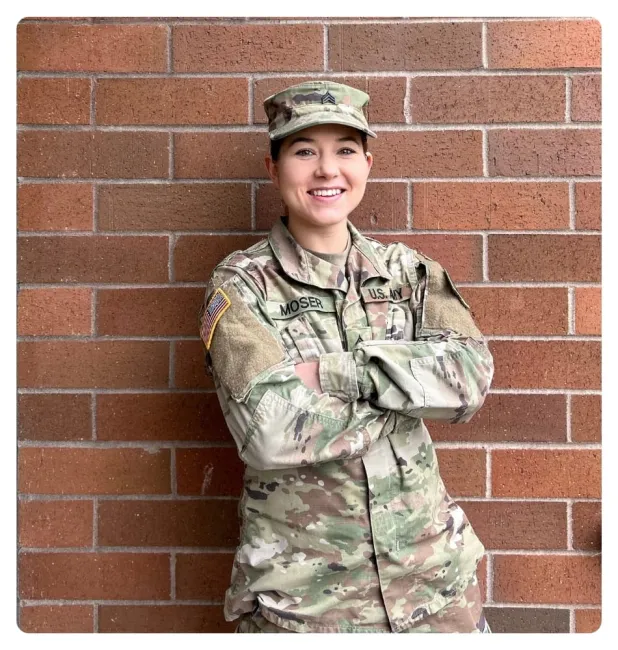

Flexible. Education That Fits Your Schedule.
LRSC offers flexible learning options designed around your schedule. The General Education Mobile (GEM) program allows military-affiliated students to complete core general education courses online at their own pace. Courses at the GFAFB location are offered in convenient 8-week sessions to help you stay on track.
Convenient Education and Testing Available on Base
Lake Region State College offers classes, programs, and student services at Grand Forks Air Force Base. Students can complete coursework on base and access testing services to support their education goals.
CLEP & DSST Testing
Schedule Your Exam
Phone: 701-594-8192
Email: lrsc.gfafbo@lrsc.edu
Testing Availability
- 8 seats available per day
- Tuesdays: 9:00–11:00 AM
- Thursdays: 1:00–3:00 PM
What to Bring
- Government-issued photo ID with signature (driver’s license, passport, or official ID)
- Printed registration ticket
A $25 proctoring fee applies to CLEP or DSST exams not covered by DANTES funding.


Transferable. Continue Your Education With Confidence.
Courses taken at the Grand Forks AFB location meet the same academic standards as those offered on LRSC’s main campus. Credits earned are recognized and apply toward your degree.
GFAFB Campus Education Center
344 Tuskegee Airmen Boulevard
Grand Forks AFB, ND 58205
701-594-8192
LRSC.gfafbo@lrsc.edu
Office Hours
Monday - Friday
8:00 AM - 5:00 PM
Military Tuition Assistance (MilTA) & Veteran Students
Military Tuition Assistance (MilTA) & Veteran Students
Tuition Assistance (MilTA):
Service members must receive approval from their Educational Services Officer (ESO) or military counselor before enrolling. Approval must come from their Military Service.
- Enroll in classes through LRSC (see enrollment instructions below).
- Apply for MilTA.
- Submit a copy of approved MilTA document to LRSC staff at the Education Center.
Important:
- Changes to LRSC enrollment (add/drop) require updates to your MilTA.
- Consult a military education counselor to make updates.
Veteran Students:
- Ensure LRSC is selected as your Place of Training with the Department of Veterans Affairs (Form 22-1995).
- Submit your VA Certificate of Eligibility to LRSC staff.
- Enroll in classes through LRSC (see enrollment instructions below).
- Complete the School Certification for Veteran Students.
Enrollment Instructions:
- Select your class(es) and class number(s) from the Term Schedule.
- Log in to Campus Connection to enroll.
- Submit your degree plan to the Air Force Education Center.
- Create a TA document on the Air Force Portal using your portal account.
- Submit your approved TA document and class schedule to LRSC staff.
Degrees Offered on GFAFB
Degrees Offered on GFAFB
Students are welcome to pursue a degree or take individual classes.
Add/Drop/Withdraw
Add/Drop/Withdraw
Collaborative Students:
Submit a new Collaborative Request (Add/Drop) in Campus Connection under the eForm tile.
Degree & Non-Degree Seeking Students:
Contact LRSC Education Center at 701-594-8192 to discuss dropping a class(es).
Refund Policy:
- 100% refund: Drop the class before the 100% refund deadline listed on the LRSC Term Schedule.
- 50% and 75% refund: Withdraw from ALL classes (Term Withdrawal) by the applicable deadline listed on the LRSC Term Schedule.
To withdraw from all classes, sign in to Campus Connection and go to eForms. Submit the "Cancel/Withdraw to Zero" form.
Grades & Transcripts
Grades & Transcripts
Students may access their grades at any time on CampusConnection by following the instructions below:
Grades for a single term:
- Under Academics, select Grades
- Choose the term and click Continue
Unofficial transcripts:
- Under Academics, select Transcript: View Unofficial
- Select Lake Region State College under Academic Institution
- Choose Unoff PDF Transfer Details to view classes on your transcript
Official transcripts:
- Request online at Parchment Exchange for a $10 processing fee (payable by credit card)
- Save your order number to track the status.
- Transcripts are automatically sent between North Dakota University System institutions.